How to benchmark competitor onboarding: sign up yourself
Sign up for competitors' free trials once a quarter and note four things about their onboarding, plus a pricing page that changed four times in five weeks.
First published on our newsletter on Substack on .
To benchmark a competitor's onboarding, sign up for their free trial once a quarter and note how fast you reach a first useful result, what they ask for, the emails they send and where they put you when you stall. Most benchmarks compare what competitors say. Few compare what it's like to start using them, and that's where many deals are won or lost.
What should you note when you sign up for a competitor?
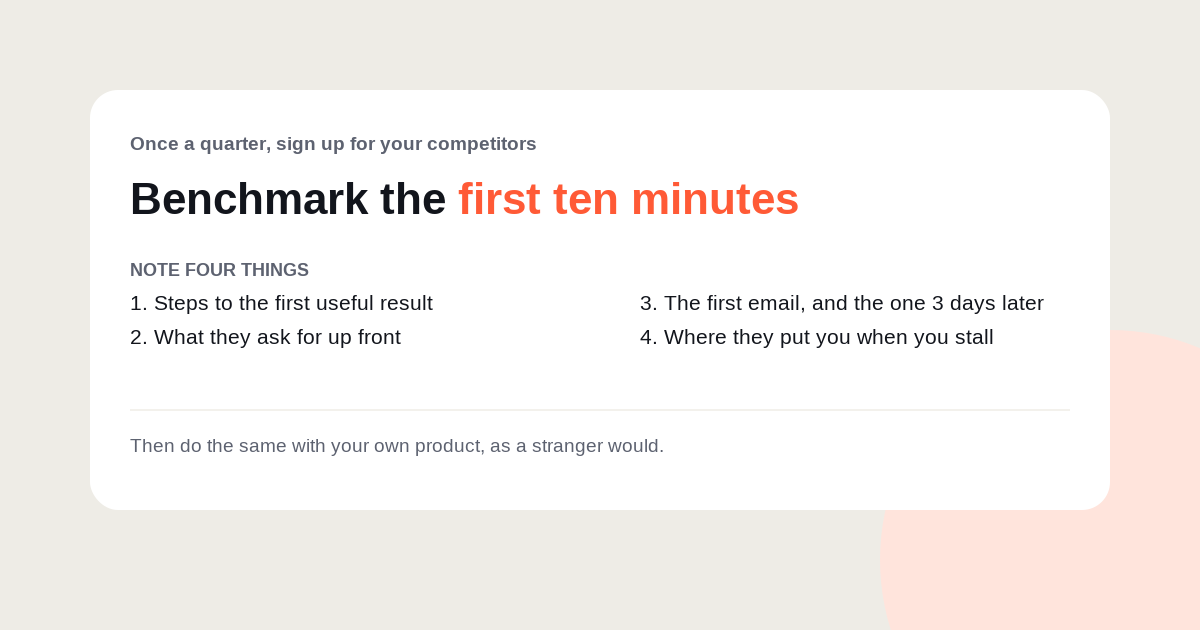
Once a quarter, sign up for your top competitors' free trials and note four things:
- Steps to the first useful result: how many screens before the product does something for you.
- What they ask for up front: a card, a phone number, a sales call, team size.
- The first email they send, and the one three days later. The order of their emails is the order of their priorities.
- Where they put you when you stall: a checklist, a video, a person.
If a sales rep calls, be upfront about who you are. You're there to learn, not to pretend.
Then do the same with your own product, as a stranger would. If a competitor gets a new user to a result in two steps and you need six, no headline will fix that.
Write it down with the date, like every other benchmark. Onboarding changes quietly, and nobody announces it.
From our tracking: a pricing page that changed four times in five weeks
Five weeks ago BigCommerce's pricing page started to move, and the steps are worth reading in order:
- 14 Oct. The annual-discount badge disappeared and a "2026 pricing" note appeared.
- 7 Nov. Phone support moved out of the entry plan. Today the page says phone support is included on Growth, Scale and Performance.
- 11 Nov. The feature and fee comparison tables came off the page.
- 18 Nov. A banner: "Save 50% on your first year" on Core, Growth and Scale annual plans bought by 31 December.
What it looked like on 21 Nov: on Scale, $399 is crossed out and $199.50 is shown "per month, billed annually". Further down, the same page lists Scale at $299 a month billed annually. So the 50% is measured against the monthly price. Against the normal annual price, the first-year saving is roughly a third.
None of this is unusual, and that's the point. Most pricing pages don't change in one big move. They change in small steps, and the steps only make sense when you line them up: repackage, unbundle, then a headline offer at the moment buyers compare.
How do you track a competitor's pricing page yourself?
- Write down the date and three facts from their pricing page: plan names, the price of the plan you're compared with, and what support it includes.
- Check the same three facts in two weeks.
- When a discount appears, find what it's measured against before you react to it.
This month the examples come from e-commerce platforms. The same pattern shows up in any category that publishes prices.
Frequently asked questions
How often should you sign up for competitors' free trials?
Once a quarter, for your top competitors. Then do the same with your own product, as a stranger would.
Should you tell a competitor's sales rep who you are?
Yes. If a sales rep calls, be upfront about who you are. You're there to learn, not to pretend.
How do you read a '50% off' banner on a competitor's pricing page?
Find what the discount is measured against. On BigCommerce's Scale plan the 50% was measured against the monthly price; against the normal annual price, the first-year saving was roughly a third.
New notes like this go out on LinkedIn first. Follow Rivalscope on LinkedIn.